Topics
Carbon Cycle Simulation
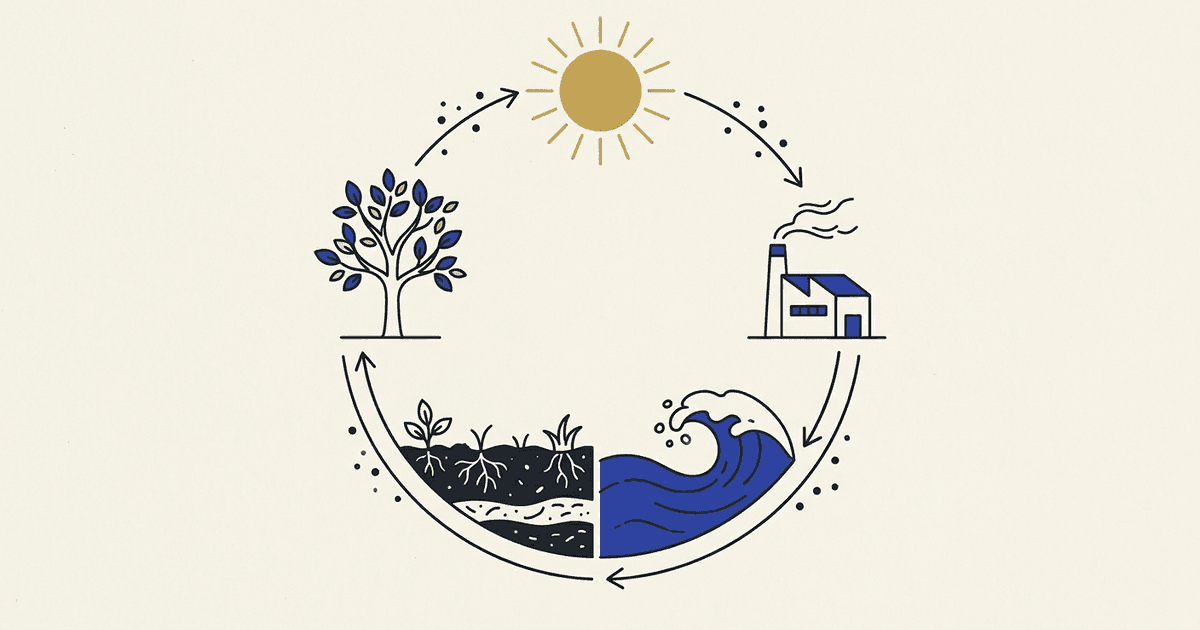
The carbon cycle simulation models how carbon moves among Earth's atmosphere, biosphere, hydrosphere, and geosphere. Students adjust carbon sources and sinks in the model and observe how the carbon inventory responds. The simulation shows carbon dioxide entering and leaving the atmosphere, carbon stored in living organisms, carbon trapped in rocks and soil, and the human activities that change the cycle. This interactive model helps students understand how carbon cycling connects living and nonliving systems across the planet.
The simulation includes built-in classroom assignments. Students complete predict, explore, explain, and assess tasks as they use the model. Multiple-choice assessment questions are auto-graded, and teachers see live results as students work.
1.Grade bands: Middle School and High School
The simulation serves students in grades 6-12. Middle School students explore how matter cycles through ecosystems and how energy flows among organisms. High School students extend their inquiry to analyze carbon cycling across all major Earth systems and to explain how human activity modifies these relationships.
2.Standards: HS-ESS2-6, HS-ESS3-6, and MS-LS2-3
The simulation supports three NGSS standards.
HS-ESS2-6 (Earth's Systems): Develop a quantitative model to describe the cycling of carbon among the hydrosphere, atmosphere, geosphere, and biosphere.
HS-ESS3-6 (Earth and Human Activity): Use a computational representation to illustrate the relationships among Earth systems and how those relationships are being modified due to human activity.
MS-LS2-3 (Ecosystems: Interactions, Energy, and Dynamics): Develop a model to describe the cycling of matter and flow of energy among living and nonliving parts of an ecosystem.
3.How to assign it
Start a new class session in the teacher dashboard. The system generates a unique join code. Students enter the code on the join screen with no login required. The simulation appears immediately, and students can begin the assignments right away. Teachers see a live results view that updates as students submit answers. All responses are saved automatically, and the teacher can review student work anytime.
Questions teachers ask
Do students need to create accounts to use the simulation?
No. Students join a class session using a code with no login, password, or account creation needed. Teachers create the session and manage it from the teacher dashboard.
Does the simulation work on Chromebooks and tablets?
Yes. The simulation runs in any modern web browser on Chromebooks, iPads, laptops, and desktop computers. It requires no software installation.
Is it really free?
Yes. Teachers sign up at no cost and run as many class sessions as they want. There are no hidden fees, no ads, and no data selling.
What do teachers see?
Teachers see a live results view showing which students have joined the session and their progress through the assignments. The view displays each student's answers to auto-graded questions and timestamps of completion. Teachers can download a report of responses after the session ends.
Standards
Try the simulations
The Carbon Cycle
More resources
Use this resource to teach with live results